Choosing your first 3D printer can feel a bit overwhelming, but it doesn’t have to be. You want something that’s going to be user-friendly, reliable, and won't break the bank. So, let’s dive into what to look for and a couple of solid options!
First off, think about what you want to print. If you're aiming to make fun toys, household gadgets, or even prototypes, look for a printer with a decent build volume. A good size to start with is around 200 x 200 x 200 mm. It gives you enough space to create without being too bulky for your workspace.
Next up is the type of filament. Most beginners start with filament printers that use PLA. It’s super easy to work with and comes in a rainbow of colors. Avoid the headache of tricky materials at first; stick with something that prints smoothly and has minimal odor.
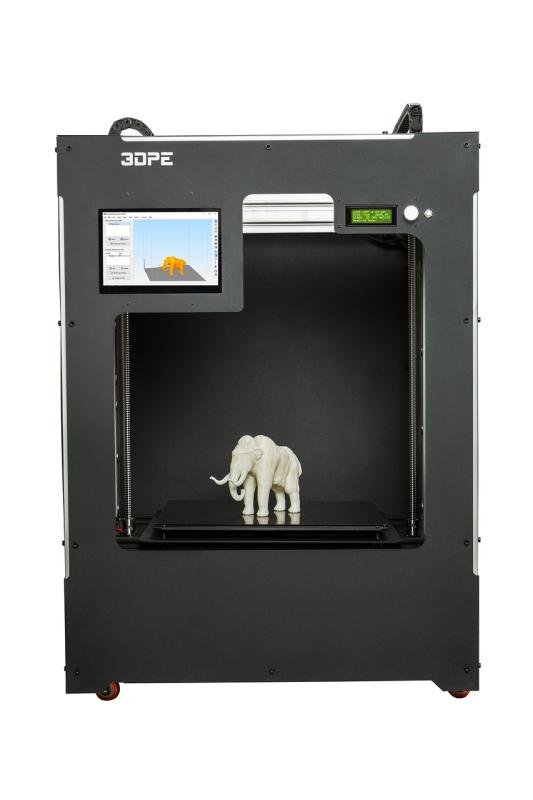
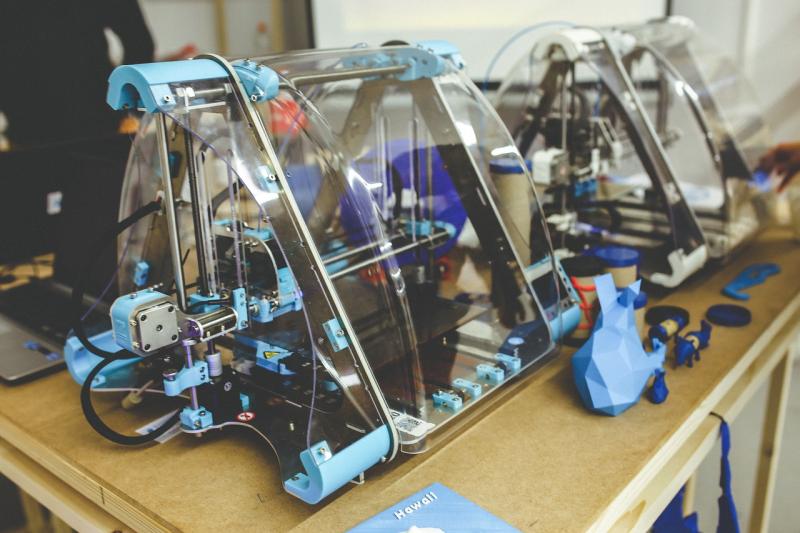
Now, let’s look at a couple of popular options:
Understanding 3D Printing Basics
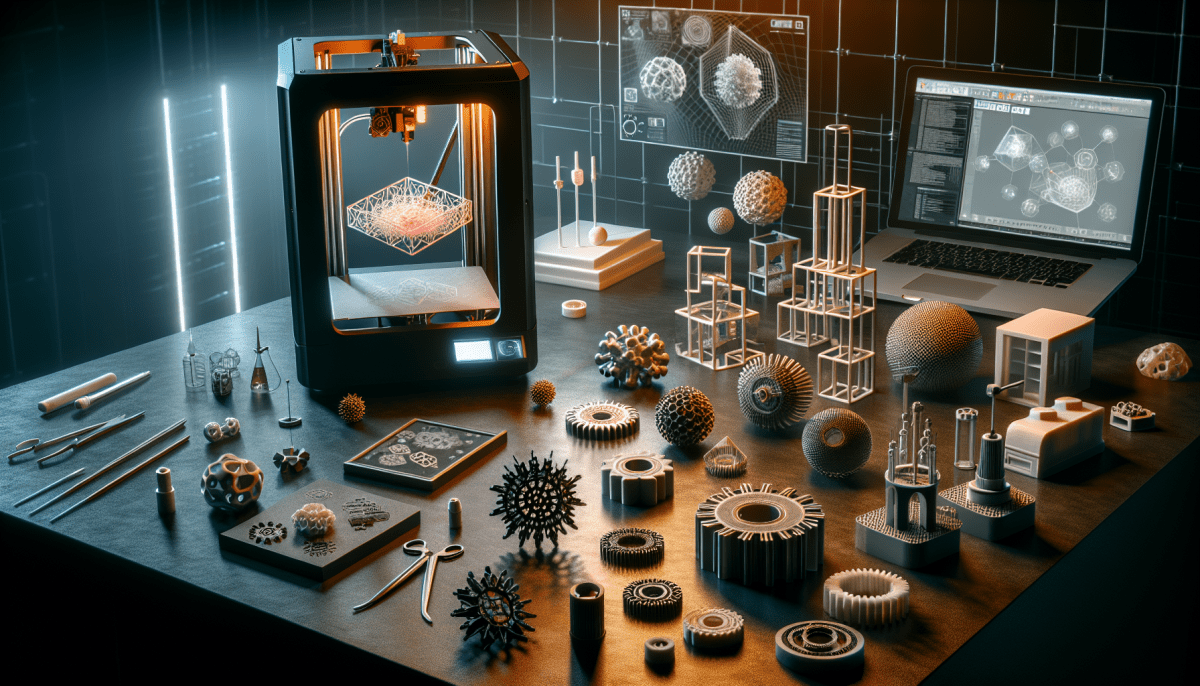
Getting into 3D printing can feel a bit overwhelming at first, but once you break it down, it’s pretty straightforward. At its core, 3D printing is all about turning digital designs into real-life objects. You start with a model created on a computer, and then the printer turns that digital blueprint into a physical thing layer by layer.
There are a few different types of 3D printing, but two of the most popular are FDM and SLA. FDM (Fused Deposition Modeling) uses melted plastic to build your item, while SLA (Stereolithography) uses resin and a laser to harden it. FDM is generally a great choice for beginners because it’s usually more affordable and easier to manage.
To get started, you'll need a 3D printer, a computer, and some design software. Many folks use free programs like Tinkercad to whip up models, while others download designs from online libraries like Thingiverse. Once your model is ready, you load it into slicing software, which prepares the file for printing by breaking it down into layers.
After that, you simply hit print! Don’t forget to keep an eye on your printer, especially during the first few tries. It's always good to check on the print to avoid any hiccups. And remember, practice makes perfect. Even if your first few prints don't turn out great, you’ll learn a ton along the way.
Easy Setup for Beginners
Getting into 3D printing doesn't have to feel overwhelming, especially if you choose a printer designed for beginners. Many of the latest models come with user-friendly features that make the setup process a breeze. Imagine unpacking your printer, plugging it in, and being ready to print within minutes!
First off, look for printers that come nearly pre-assembled. Less assembly means less room for mistakes and a faster start. Most beginner-friendly printers only require you to connect a few parts, like the build plate or the filament spool. Many even have easy-to-follow videos that guide you through the process.
Next, check if the printer has a touchscreen display. This feature makes navigation simple and intuitive. You can easily adjust settings and select print files with just a few taps. Plus, some printers let you connect via Wi-Fi or USB, so you can send your designs straight to the machine without any hassle.
Lastly, don’t forget about the slicing software! Many printers come with their own software or recommend user-friendly programs. This software helps you turn your 3D models into files your printer can understand. Just import your design, adjust your settings, and hit “print.” It really can be that easy!
Tips for Successful 3D Prints
Getting started with 3D printing is super exciting, but a few tips can help you nail your prints right from the beginning. First, make sure you level your print bed properly. A perfectly leveled bed makes a huge difference in print quality. Use a piece of paper as a gauge; it should have a slight resistance when sliding between the nozzle and the bed.
Next up, the filament choice matters! Each type of filament has its unique properties. PLA is a fantastic option for beginners; it's easy to use, biodegradable, and works well with most printers. If you want something sturdier, consider ABS or PETG. Just check the temperature settings before you start!
Don’t forget about the temperature settings! Find the optimal settings for your filament type. Start with the manufacturer's recommendations, but feel free to tweak them. A little experimentation goes a long way in getting the best results.
Lastly, keep your printer clean. Regular maintenance helps prevent clogs and other issues. Make sure the nozzle is free from debris and the build plate is clean before every print. This keeps your prints looking sharp and vibrant.